How to Create “Transfer Inventory” in NetSuite.

Posted by CuriousRubik on 05 Apr, 2018

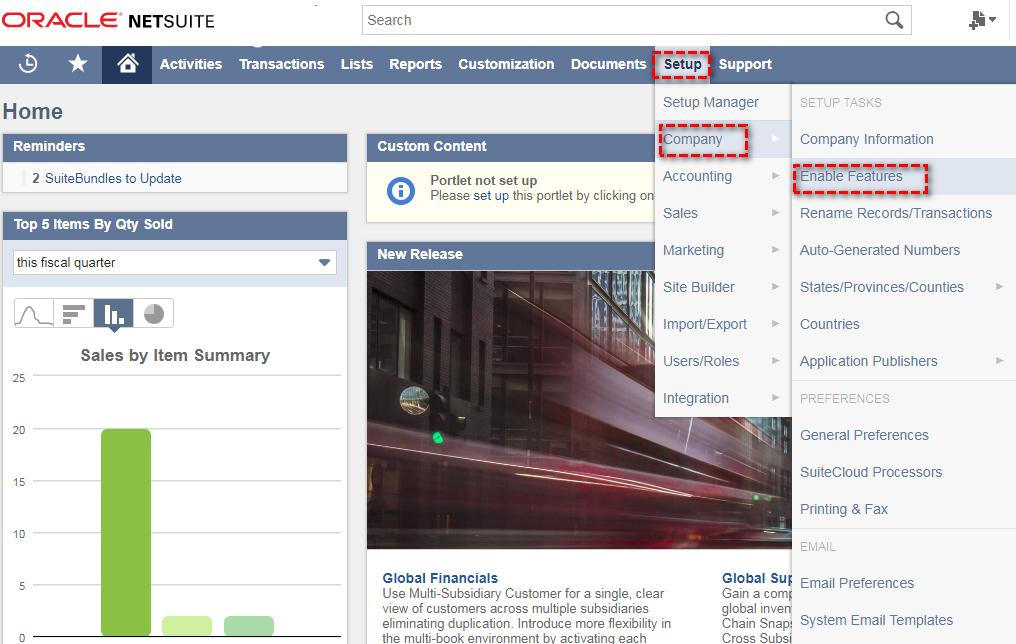
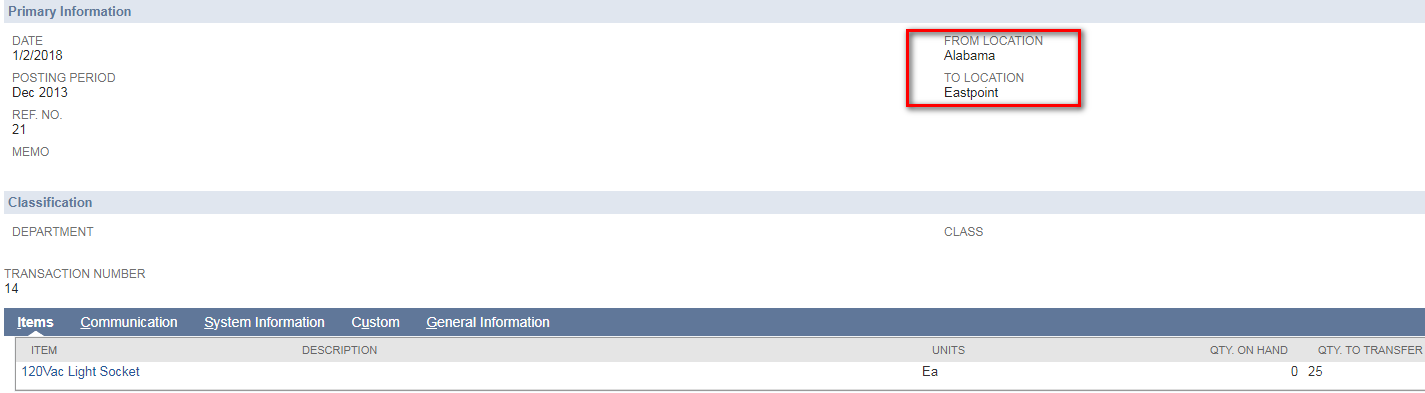
A warehouse to Transfer used to ship items from one location to another location as part of your standard inventory management. Transfer Inventory using Multi-location and the items is “Form location”  decrease the items and “To location” Increase the items. The items need to be available in on hand inventory to be transferred. The destination location receives the items and the items are counted in that location's inventory.They also often have several Inventory Transfer refers to moving inventory from one to another location.


Read More

Topics: NetSuite, Netsuiteblog

Creating Online Case Forms

Posted by CuriousRubik on 05 Apr, 2018

 Online Forms is an interactive system that will help customers submitting a case online with required details to know about the case. Online case forms helps customers in submitting cases online for their requested services.

Read More

Topics: NetSuite, Netsuiteblog

Bar Codes and Item Labels in NetSuite.

Posted by CuriousRubik on 04 Apr, 2018

A bar code is the small image of lines and spaces that is affixed to retail store items, identification cards, and postal mail to identify a particular product number, person, or location. The code uses a sequence of vertical bars and spaces to represent numbers and other symbols. Generally, It is used to read the code. The reader translates the reflected light into digital data that is transferred to a computer for immediate action.

Read More

Topics: NetSuite, Netsuiteblog

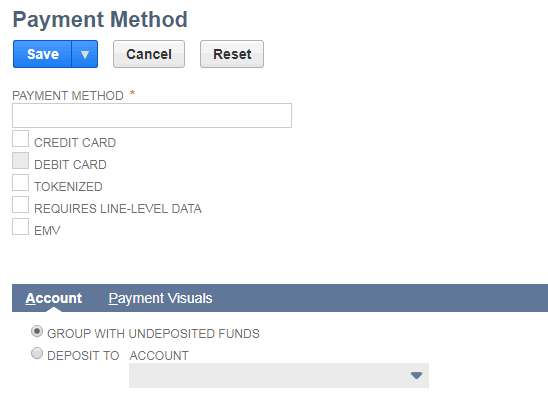
Use of  ‘Payment’ item? How it is use in ‘NetSuite?

Posted by CuriousRubik on 28 Mar, 2018

Payment item is useful for tracking the down payments in ‘Sales Transactions’. We can easily to mention down payment by using payment item as per our business requirement.

Read More

Topics: NetSuite, Netsuiteblog

Setting up Budgets in NetSuite.

Posted by CuriousRubik on 27 Mar, 2018

It provides estimation of expenses for a specific period of time, and can help provide visibility for financial planning. Users ability to select and define accounts that are needed for their budgets and provide expense and income statements over a set period of time. It’s easy to set up a new budget in NetSuite, or import a budget that you have externally. You can also enter budgets in statistical accounts and also create budgets for departments, classes, locations, items, and customers or projects.

Read More

Topics: NetSuite, Netsuiteblog

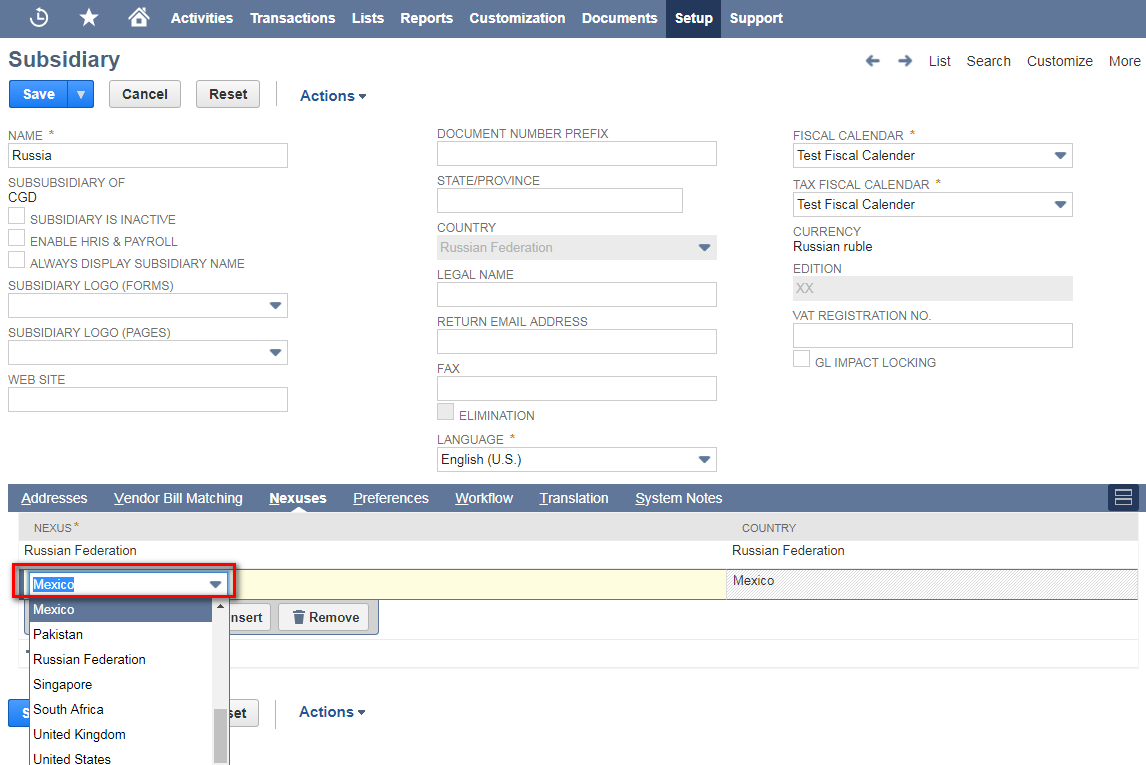
How to Add or Remove  Nexuses from a Subsidiary

Posted by CuriousRubik on 27 Mar, 2018

Go to Setup > Company > Classifications > Subsidiaries

Adding Nexus to a subsidiary:

If the subsidiary has valid registration to collect tax from that nexus, then you can add that nexus under the subsidiary.

Read More

Topics: NetSuite, Netsuiteblog

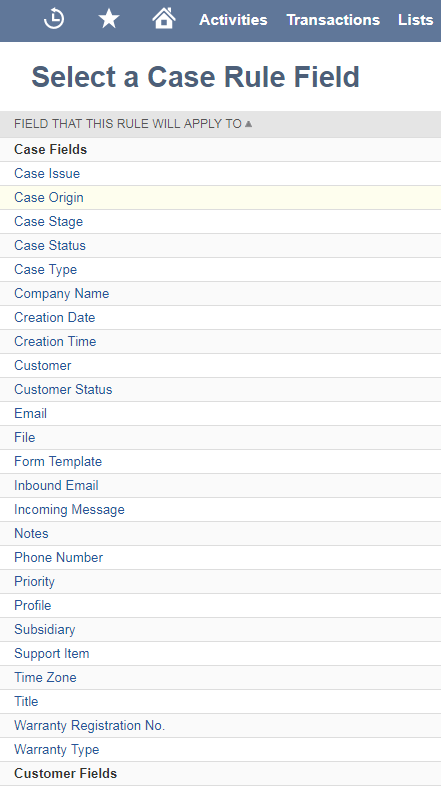
Learn About Assignment Rules & Territories and Case Escalation Rules & Assignments

Posted by CuriousRubik on 26 Mar, 2018
1. Assignment Rules & Territories:

Setting up Rules and Territories helps to assign cases to the support reps or support groups automatically, first define the case types, case origins, support issues and support items. Check how to setup case types, case origins, support issues and support items.

Read More

Topics: NetSuite, Netsuiteblog

Using NetSuite as a Third-Party Logistic Manager

Posted by CuriousRubik on 26 Mar, 2018

Whether you are a third-party logistics company, or you have some extra storage space you would like to rent, a question that often gets asked is “How would NetSuite handle this process?”. Using built-in NetSuite functionality, we can install a set of processes that will allow us to receive our Customer's inventory, ship orders to their end clients, and bill them for service rendered. In this manner we will also be able to continue using NetSuite as a full ERP system to manage our own inventory, finances, employees and all the other awesome things NetSuite does.

Read More

Topics: NetSuite, Netsuiteblog, netsuiteupdates

How to Configure Workflows(SuiteFlow) in NetSuite?

Posted by CuriousRubik on 23 Mar, 2018

SuiteFlow is a user friendly interface for creating and executing business process automations, In NetSuite SuiteFlow is also known as “Workflows”. SuiteFlow is used to customize the system functionality and business process without any scripting needed.

Read More

Topics: NetSuite, Netsuiteblog

Featured E-Books

  • NetSuite CuriousRubik
  • NetSuite CuriousRubik
  • NetSuite CuriousRubik
  • NetSuite CuriousRubik
  • NetSuite CuriousRubik
  • NetSuite CuriousRubik
  • NetSuite CuriousRubik
  • NetSuite CuriousRubik
  • NetSuite CuriousRubik
  • NetSuite CuriousRubik
  • NetSuite CuriousRubik
  • NetSuite CuriousRubik
  • NetSuite CuriousRubik
  • NetSuite CuriousRubik
  • NetSuite CuriousRubik
  • NetSuite CuriousRubik
  • NetSuite CuriousRubik
  • NetSuite CuriousRubik
  • NetSuite CuriousRubik
  • NetSuite CuriousRubik
  • NetSuite CuriousRubik
  • NetSuite CuriousRubik
  • NetSuite CuriousRubik
  • NetSuite CuriousRubik
  • NetSuite CuriousRubik
  • NetSuite CuriousRubik
  • NetSuite CuriousRubik
  • NetSuite CuriousRubik
  • NetSuite CuriousRubik
  • NetSuite CuriousRubik
  • NetSuite CuriousRubik
  • NetSuite CuriousRubik
  • NetSuite CuriousRubik
  • NetSuite CuriousRubik
  • NetSuite CuriousRubik
  • NetSuite CuriousRubik
  • NetSuite CuriousRubik
  • NetSuite CuriousRubik
  • NetSuite CuriousRubik
  • NetSuite CuriousRubik
  • NetSuite CuriousRubik
  • NetSuite CuriousRubik
  • NetSuite CuriousRubik
  • NetSuite CuriousRubik
  • NetSuite CuriousRubik
  • NetSuite CuriousRubik

Follow Us

twitterfacebook3linkedin1google_plus2play125


badge Original

We are proud to announce that we have been awarded the Prestigious Partner Of the Year Award @ NetSuite SuiteWorld, a global event of NetSuite with over 7000+ attendees and hundreds of partners. CuriousRubik is humbled and honored to win this award, and motivated to continue developing SuiteApps and delivering best in class NetSuite services globally.